Pulse is a self-hosted dead man’s switch.
You check in periodically to confirm that you’re still there and able to respond. If you stop checking in, Pulse reminds you, can involve a trusted safety contact, and can eventually notify people you chose beforehand and give them access to documents you prepared for them.
Why I built it
I started developing Pulse after being diagnosed with cancer.
There are people whom I would want to receive certain information and documents if I die. I didn’t want to rely on somebody finding the right files afterwards, knowing whom they were intended for, and remembering what I wanted to happen with them.
So I built Pulse.
Cancer happens to be my reason for using it, but the same idea can be useful in other situations: travelling alone, going on an expedition, sailing, climbing, working somewhere dangerous, or simply wanting a fallback in case something unexpected happens.
How it works
In Pulse, you create one or more monitors.
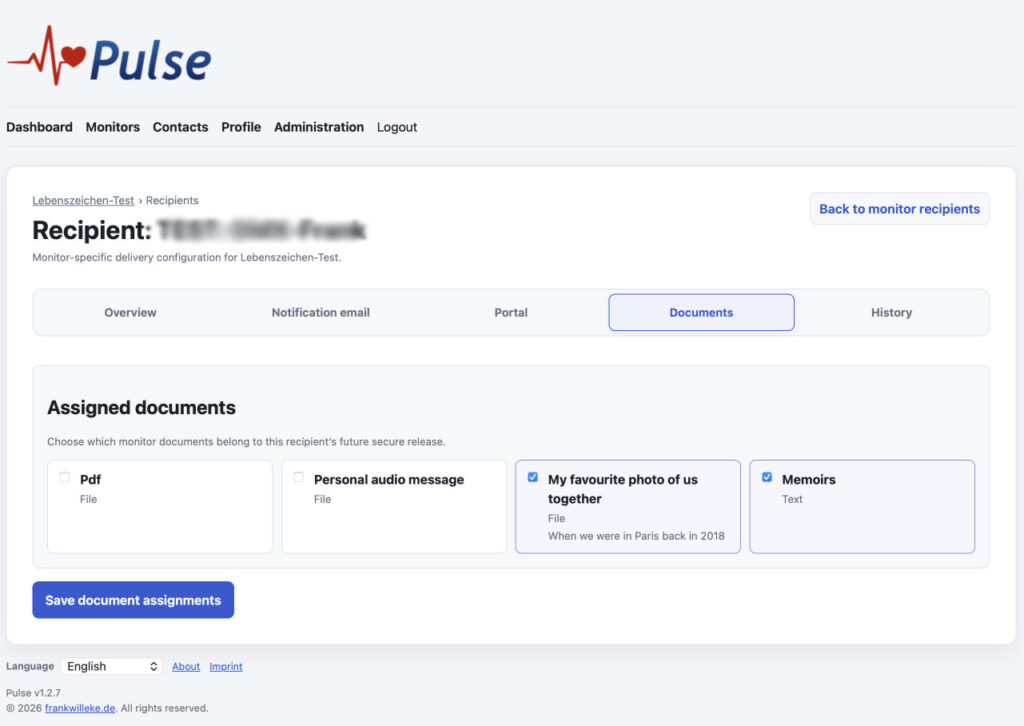
For each monitor, you decide how often you want to check in and what should happen if you stop responding. You can add recipients, write individual messages for them, and select the documents each person should receive.
Optionally, you can add a safety contact who is asked to confirm the situation before Pulse proceeds with the final escalation.
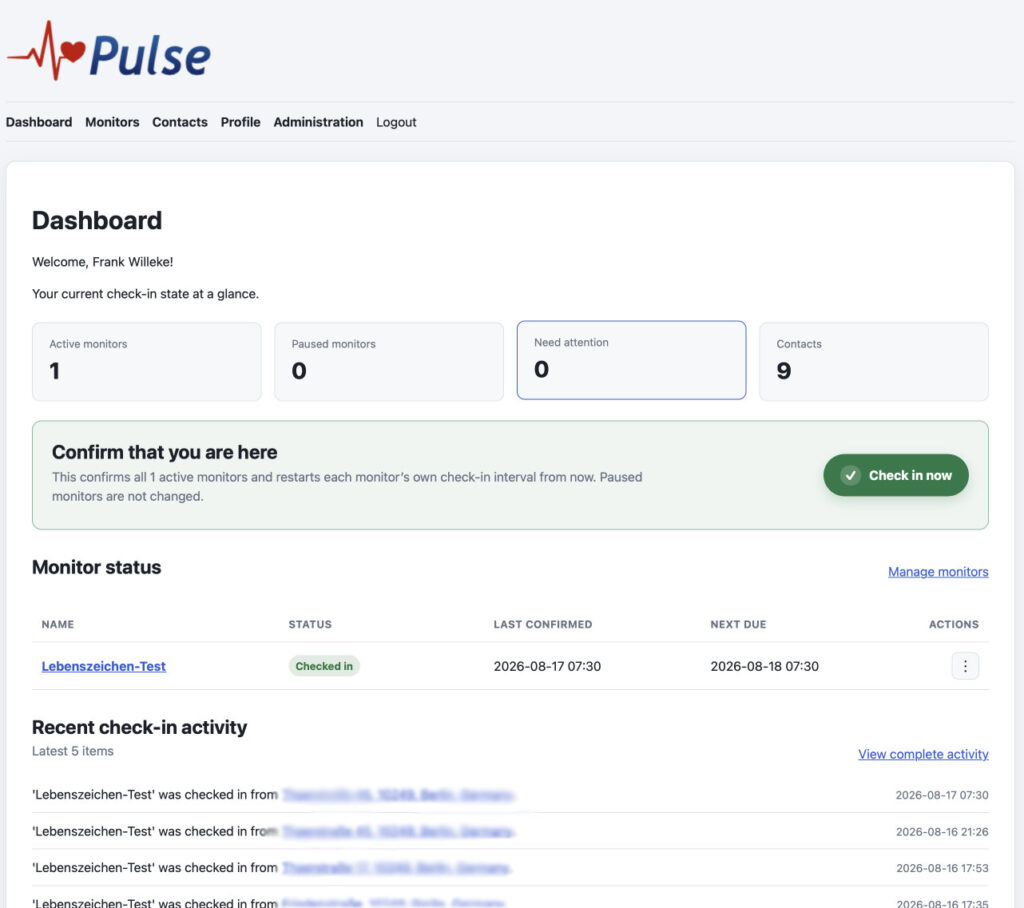
Under normal circumstances, using Pulse is rather uneventful: every now and then, you open it and check in.
And that’s exactly how it should be.
If you stop responding
Missing a check-in does not immediately trigger an escalation.
Pulse first tries to reach you with reminders and configurable response periods. If a safety contact is configured, that person can then be asked to confirm that something is wrong.
Only after this process does Pulse notify the recipients.
Each recipient receives their own message and access only to the documents intended for them.
Recipient access
Recipients do not need a Pulse account.
They receive a private link to their recipient page and authenticate using a short-lived access code sent by email. From there they can read the message left for them and download the documents prepared for them.
Self-hosted
Pulse runs on your own web server.
Your contacts, documents, messages and monitoring data remain in your own installation. A cron job periodically performs the monitoring, reminder and escalation process.
Download
Pulse is available on GitHub:
https://github.com/fwilleke80/Pulse
Installation and upgrade instructions are included with the release.
Pulse is licensed under MIT License and completely free of charge.
Screenshots